
So I am on my Windows machine, and needed to connect to Linux Machine on Azure. I had GitBash installed so I can run Bash commands. I can access GitBash from VSCode terminal as well.
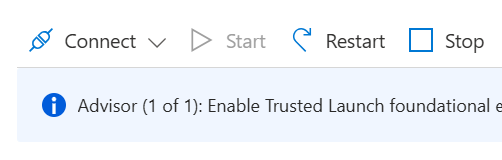
1. Go to the Linux VM resource in Azure portal and click on Connect.
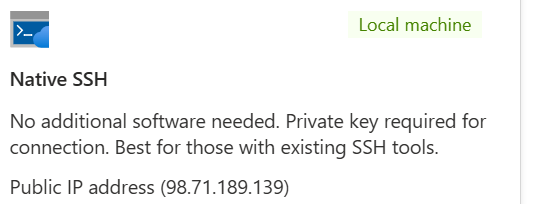
2. Select Native SSH. Your Linux VM should be protected with SSH public/private key or username and password.
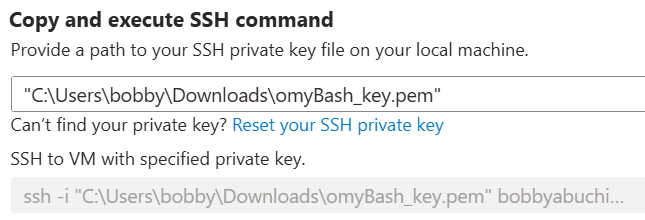
3. Provide a path to your SSH private key file on your local machine, and copy the SSH to VM command.
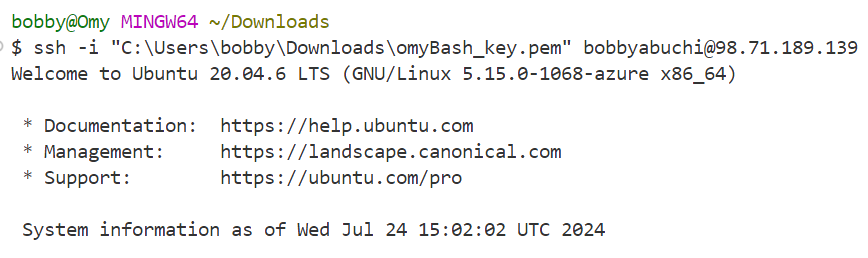
4. Go to VSCode/GitBash terminal and run the SSH to VM command.
5. And if the Linux VM is protected with username and password. No need for SSH key.
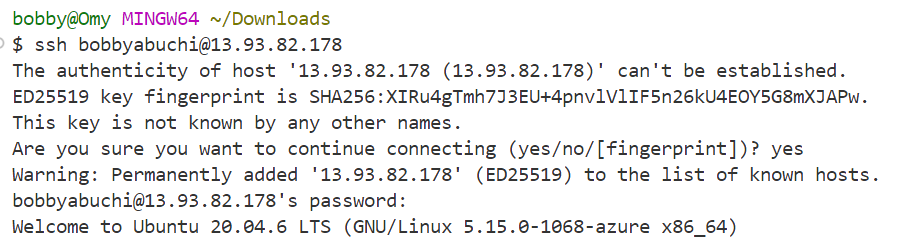
This won't work with a Linux VM protected with SSH key.

Run exit command to end the session.